
Drift is a cozy space game with no enemies, no fail state and no timers: pick a ship, launch into a calm vista and drift. This is the first devlog. Before committing to Unreal Engine 5, I'm building a small test level, the spike: one ship, one planet, one nebula and a camera to look around with. If it looks right, Drift stays in Unreal.
Space is black, and that's a problem
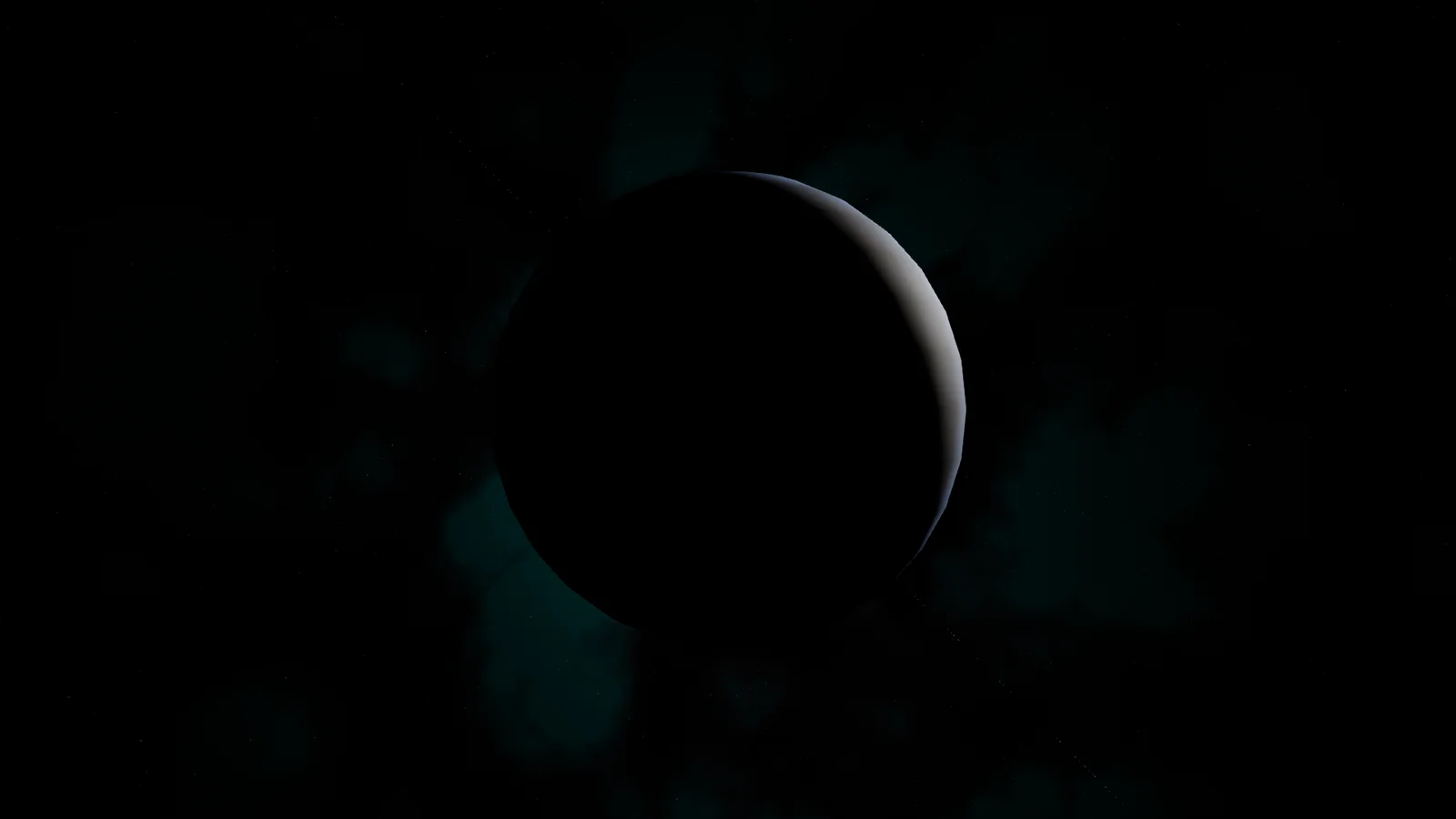
The spike started as an empty level with one sphere and one sun. The first thing Unreal did was hide the sphere. Its auto exposure adjusts brightness to the average of the picture, and space is almost all black, so it kept brightening until the lit pixels clipped and the sphere disappeared. Every Drift vista now uses a fixed, manual exposure. It's one setting, and every color in the scene is tuned against it.
A planet, stars and a nebula from material nodes
Nothing in the sky uses a texture yet. It's all built from material nodes:
- The planet blends from a surface color to a blue atmosphere toward its edge. The blend sits in the base color, not in a glow, so the band only shows where the sun lights the planet, and the night side stays dark.
- The stars are noise, sharpened until only the brightest peaks survive as tiny dots. The noise samples the direction you're looking, not a place in the world, so the stars behave as if they're infinitely far away and never slide as the camera moves.
- The nebula is the same trick with five layers of noise stacked from coarse to fine, which turns a soft blob into gas with lanes and wisps. It's masked to one part of the sky and colored from teal into deeper tones.
A ship arrives
Drift's ships will be built for it, and they're the star of the game. For the spike, a stand-in will do: the shuttle I modeled in Blender for Hoshi no Isan, with its paint, trim, canopy glass and nav lights brought across as separate materials.
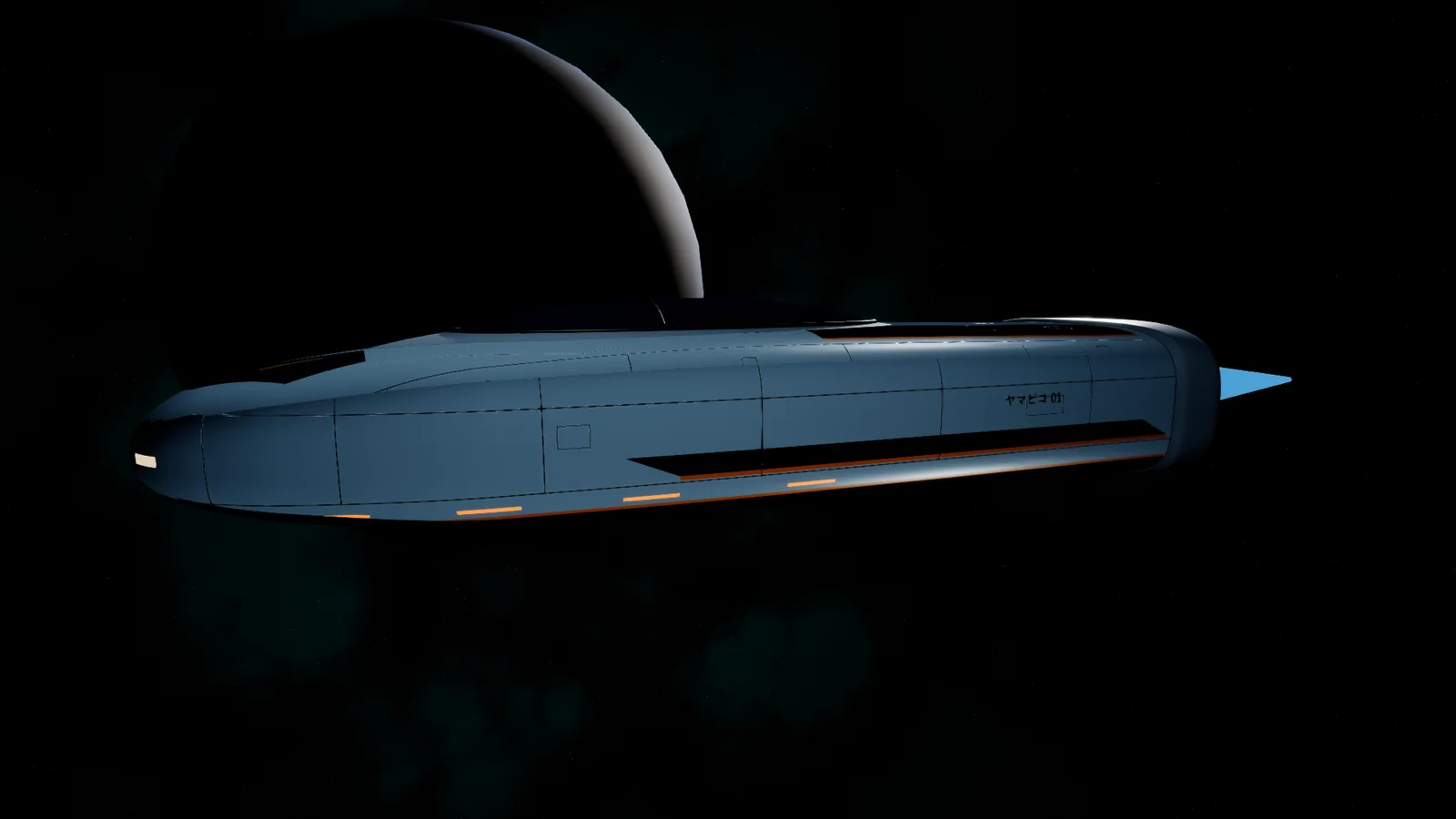
Lighting it took two tries. The sun sits behind the planet to give the crescent, which left the side of the ship facing the camera in shadow. A second sun fixed the ship but also lit the planet's night side, and the crescent was gone. The fix is a spotlight pointed only at the shuttle, with its shadows turned off, so it fills in the hull and stops short of the planet.
From a glowing cone to a real exhaust
The shuttle came with its engine plume modeled as a solid blue cone. I first turned that cone into a glowing, see-through flame with a material: bright at the core, fading toward the edges, with a slight flicker. That ran into a limit: Unreal's Nanite geometry can't draw see-through materials, so the whole shuttle had to drop Nanite just to show its plume.
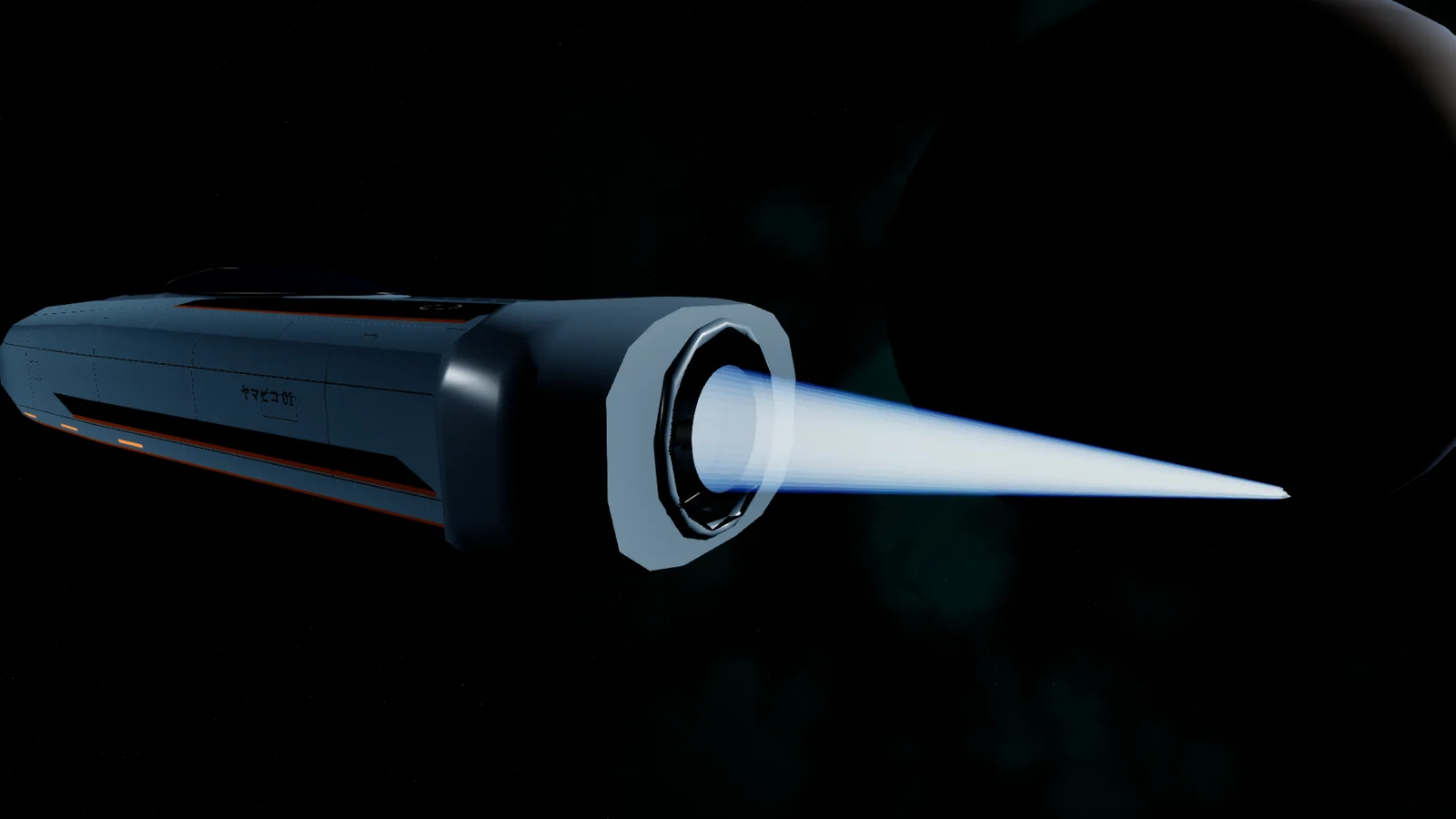
A real exhaust should move, so it needed a particle effect instead. Rather than build one from scratch, I used a rocket-exhaust effect pack I'd bought a while back. The blue variant matched the shuttle best. It was made for a much smaller rocket, so it needed scaling up, pointing straight back out of the nozzle, and then shrinking again so it suits a small craft.
With the particles doing the work, the cone had to go. I deleted it in Blender, exported the shuttle again and reimported it. Without the see-through cone, the shuttle runs on Nanite again.
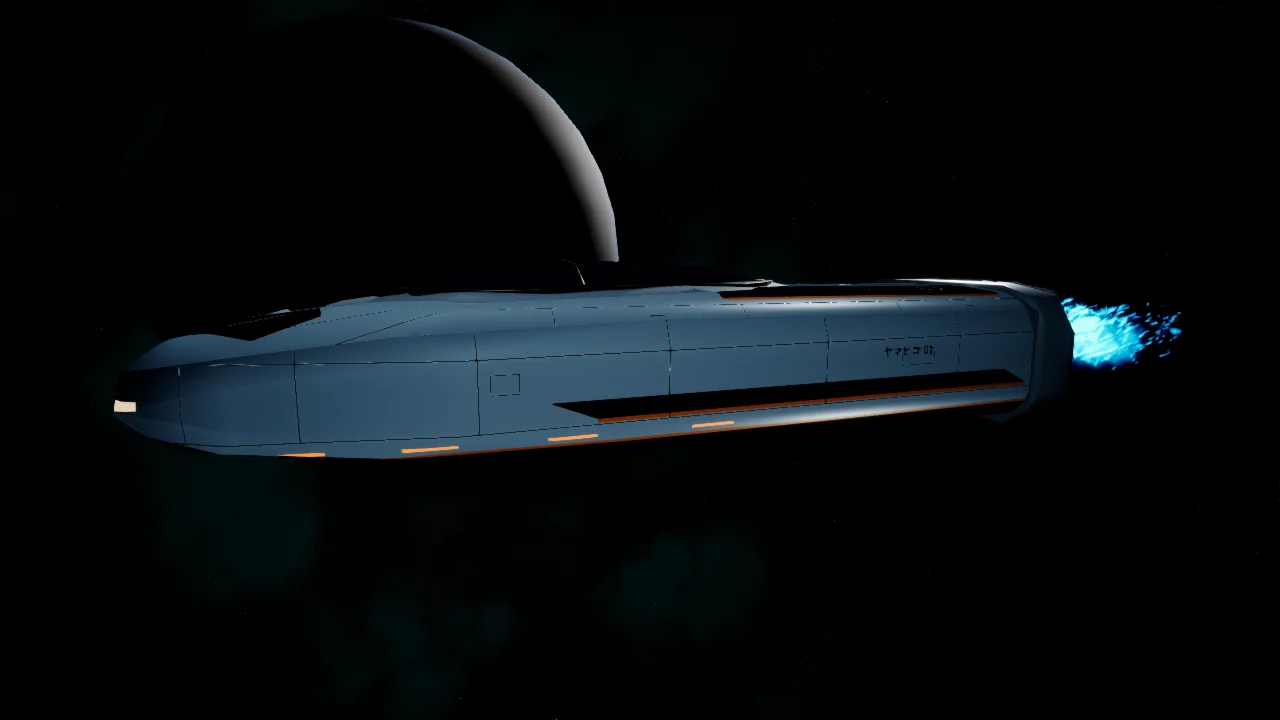
Pressing Play now opens on a fixed wide shot of the shuttle with the planet behind it, the view at the top of this post.
What is still rough
- The planet's edge shows flat facets close up. It needs a smoother sphere.
- The nebula still needs a tuning pass, to keep the sky calm rather than busy.
- There's no camera control yet. Play opens on a fixed shot.
- The shuttle is a stand-in, borrowed from another project. Drift's own ships come later.
What's next
The free-look pilot camera: a view from just outside the cockpit that you can turn in any direction while the ship drifts on its course. Once that works, it's decision time for the spike: whether Drift stays in Unreal.
Disclaimer
This is a work-in-progress development log. Everything shown is a prototype and is subject to change without notice. All images in this post are in-engine screenshots from the Unreal editor.
Back to Blog Drift