
The first devlog ended with a shuttle, a crescent planet and a nebula, and a promise: add a camera to look around with, then decide whether Drift stays in Unreal Engine 5. This post covers the camera, a polish pass on the sky, and the decision.
A seat on the hull
Drift's camera sits where a pilot's eyes would be, just outside the cockpit, and you can turn it in any direction while the ship keeps its own course. Your head turns; the ship doesn't. That's the whole idea of the game: you aren't steering through a fight, you're looking around.
The camera is a small Blueprint attached to the shuttle's hull. Every frame it reads how far the mouse moved and turns the view by that much. Two settings sit on it, ready to edit in the Details panel: a look sensitivity, and an invert look switch for anyone who flies with the vertical axis flipped. Pressing Play now puts you in that seat instead of on the fixed wide shot from the first devlog.
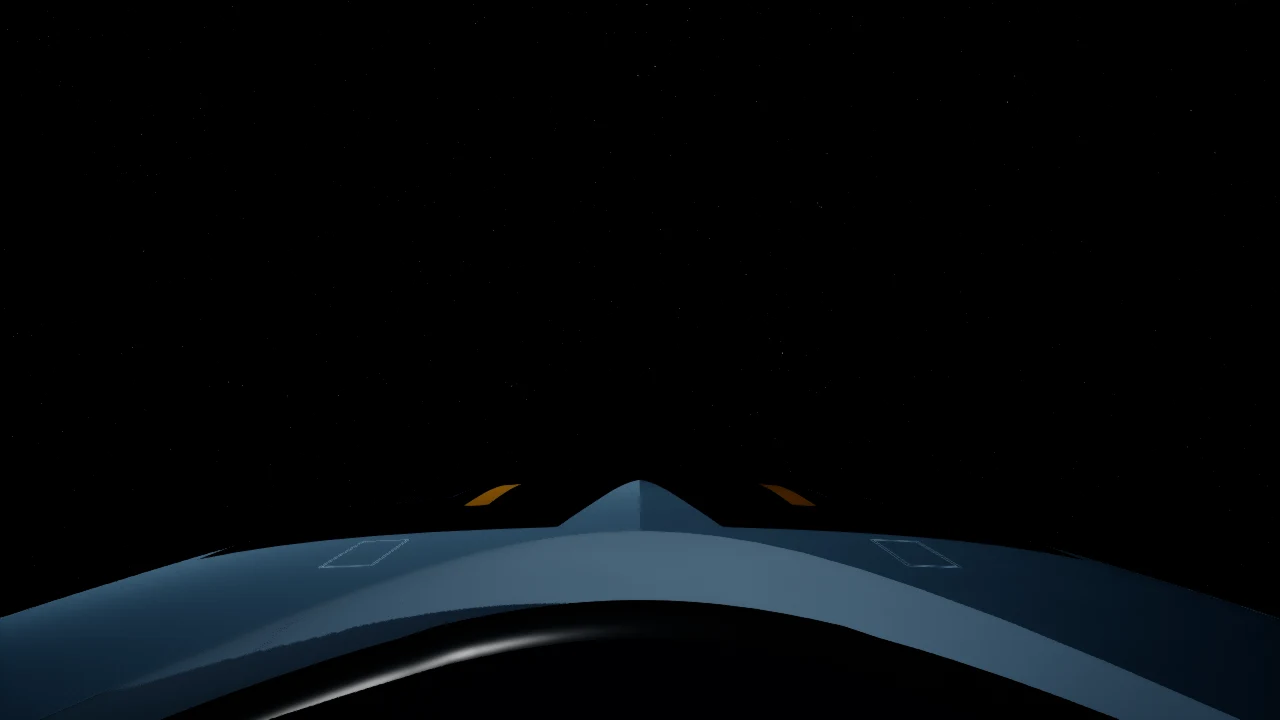
Turn the camera around and the planet comes into view over the hull, the shot at the top of this post.
A smoother planet
The planet had been drawn on Unreal's basic sphere, a few hundred flat faces. Seen across a whole screen, the crescent's edge showed every one of them as a little corner. The fix came from Blender: a new sphere with about 65,000 triangles, the same size as the old one so nothing else had to change, brought in with Nanite so Unreal handles the detail at no real cost. The crescent is now a clean curve, even close up.
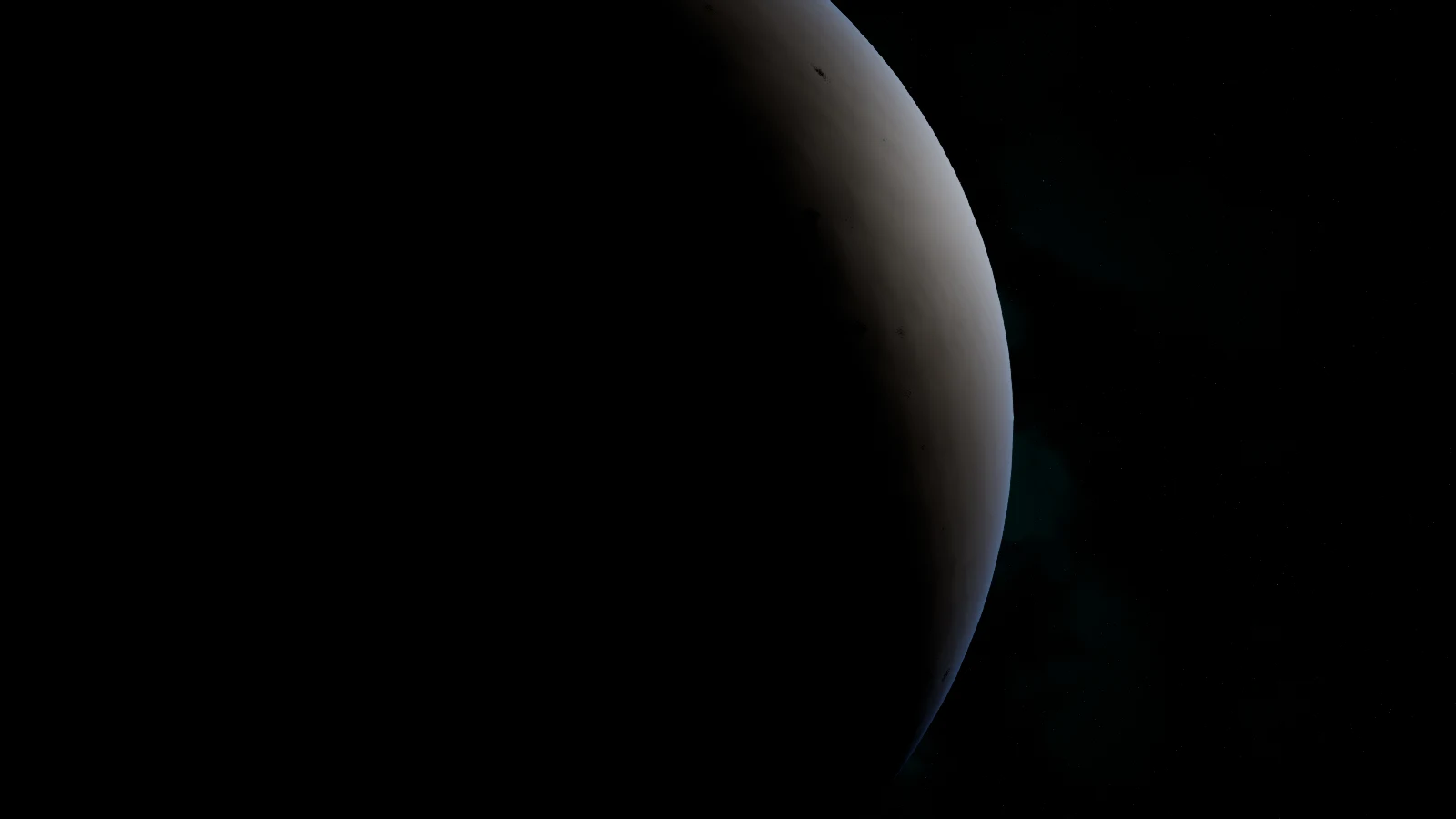
I looked at the planet meshes in the asset packs I'd bought, too. One of them turned out to be more than 33 million triangles, and just opening it stalled the editor for several minutes. A plain sphere does the job: the planet's look comes from its material, not its mesh.
A calmer nebula
Drift is meant to be calm, and the nebula wasn't. Its clouds were large, soft blotches spread across much of the sky. Two numbers changed: the clouds got finer, and they're now kept to a smaller patch behind the planet. Most of the sky is clear black with stars again, and the nebula reads as a quiet teal band rather than a weather system.
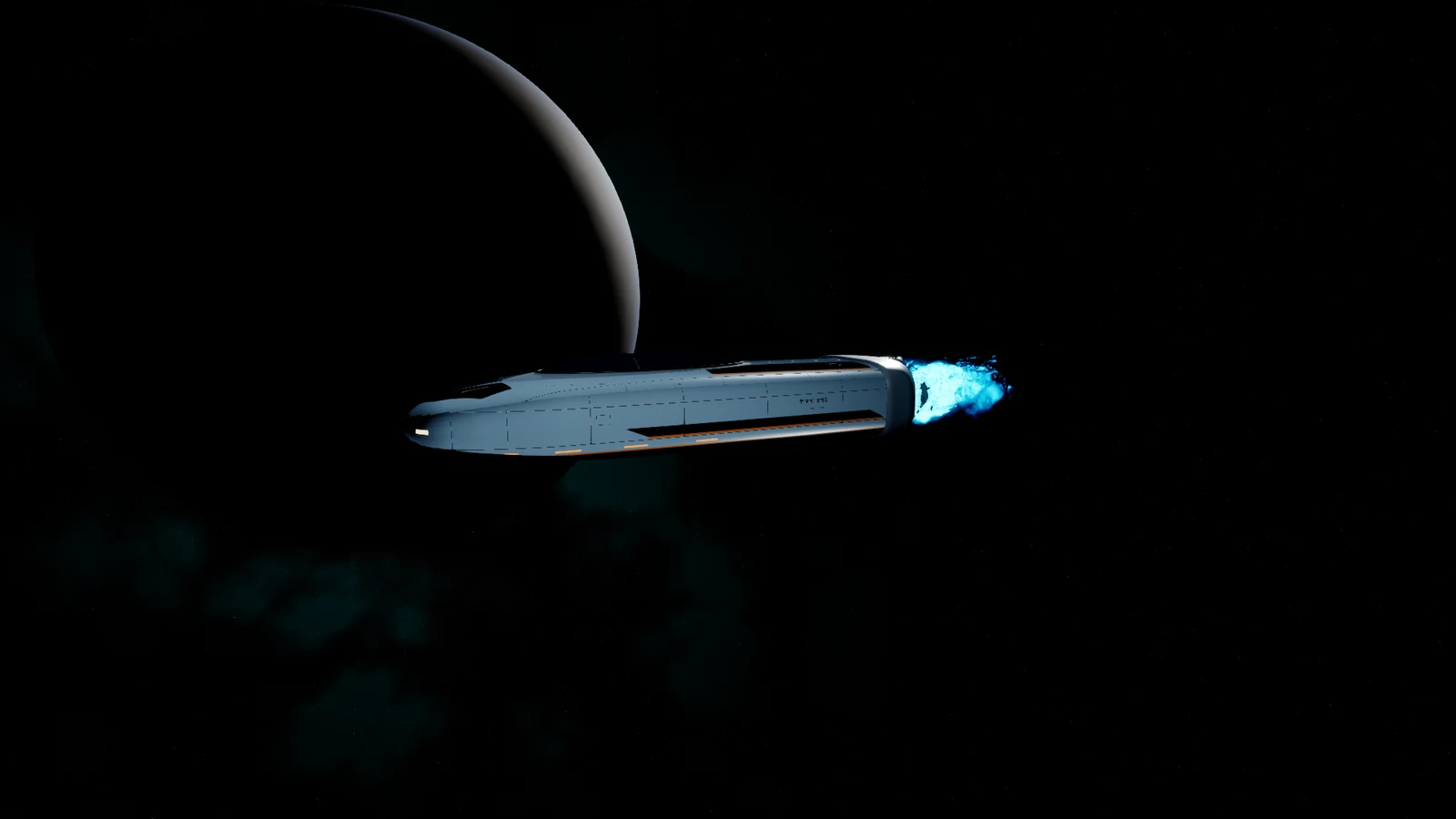
The verdict: Drift stays in Unreal
The spike had one question: can Unreal give Drift the look it needs? The answer is yes.
- The look. A crescent planet, a starfield and a nebula, with no textures in the sky at all, already sit close to the mood of the concept art on the Drift page.
- The speed. Looking around from the pilot's seat runs at over 60 frames per second on my PC, with the ship, the planet, the exhaust and the sky all on screen.
- The pipeline. A ship goes from Blender into Unreal in one step. When I removed part of the shuttle in Blender and brought it in again, everything in the level stayed where it was.
It also taught a few things the rest of the game has to respect. Space is mostly black, so exposure is set by hand in every vista. Unreal's Nanite geometry can't draw see-through materials, so glows and flames live in particle effects, not on the hull. And bought assets get checked before they go anywhere near a level.
What is still rough
- Up close, a few small dark specks show on the planet's lit side. That needs a look before the first finished vista.
- The camera turns, but the ship doesn't fly yet. Flight was always going to come after the look.
- The shuttle is still the stand-in from Hoshi no Isan. Drift's own ships come later.
What's next
The vertical slice: a hangar to pick a ship, gentle flight that's hard to get wrong, one finished vista with its own sound, and a photo mode. That's the first time Drift will feel like a game rather than a view.
Disclaimer
This is a work-in-progress development log. Everything shown is a prototype and is subject to change without notice. All images in this post are in-engine screenshots from the Unreal editor.
Back to Blog Drift